Learn
Tune it in the console
The last mile is small adjustments: a hat a little higher, a label too big, a different logo. You can make those yourself, on the running experience, without asking your AI each time.
Play and Edit
Opening a project in the console shows it running in Play mode: it behaves as it will on a phone and nothing can be changed. Press Edit to start adjusting; the toolbar gains Snap, undo, redo, discard and save. The editor needs a desktop browser.
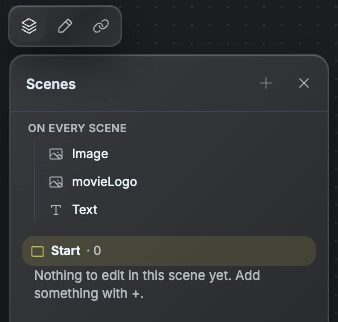
What you can change
- Place things. Click an object in the preview or pick it in the Scenes list, then drag it, or use the handles to rotate and resize. Snapping lines edges up. Type exact numbers in the panel when you want precision.
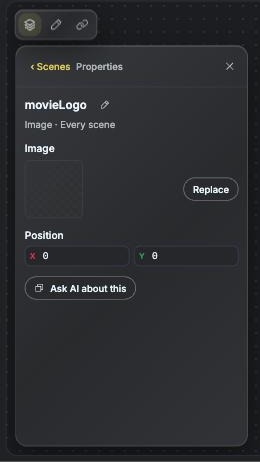
- Change its look. Colours, text, size, on or off, whatever that object offers. Fixed text in a label or button is edited in the panel.
- Swap a file. Replace an image, 3D model or sound: pick one from your computer, drop it onto the object, or choose an image from the asset library. The new file shows in the running experience straight away.
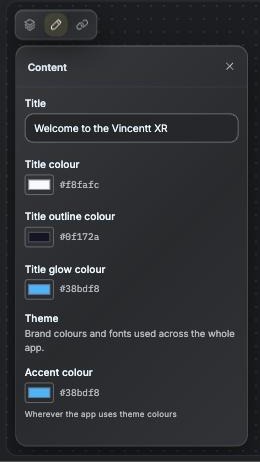
- Content. Tuning numbers, words, colours, pictures and lists the experience declares, such as quiz questions or a speed. Change a setting once and it applies everywhere the experience uses it. The Theme group (brand colours and fonts) lives in the same panel.
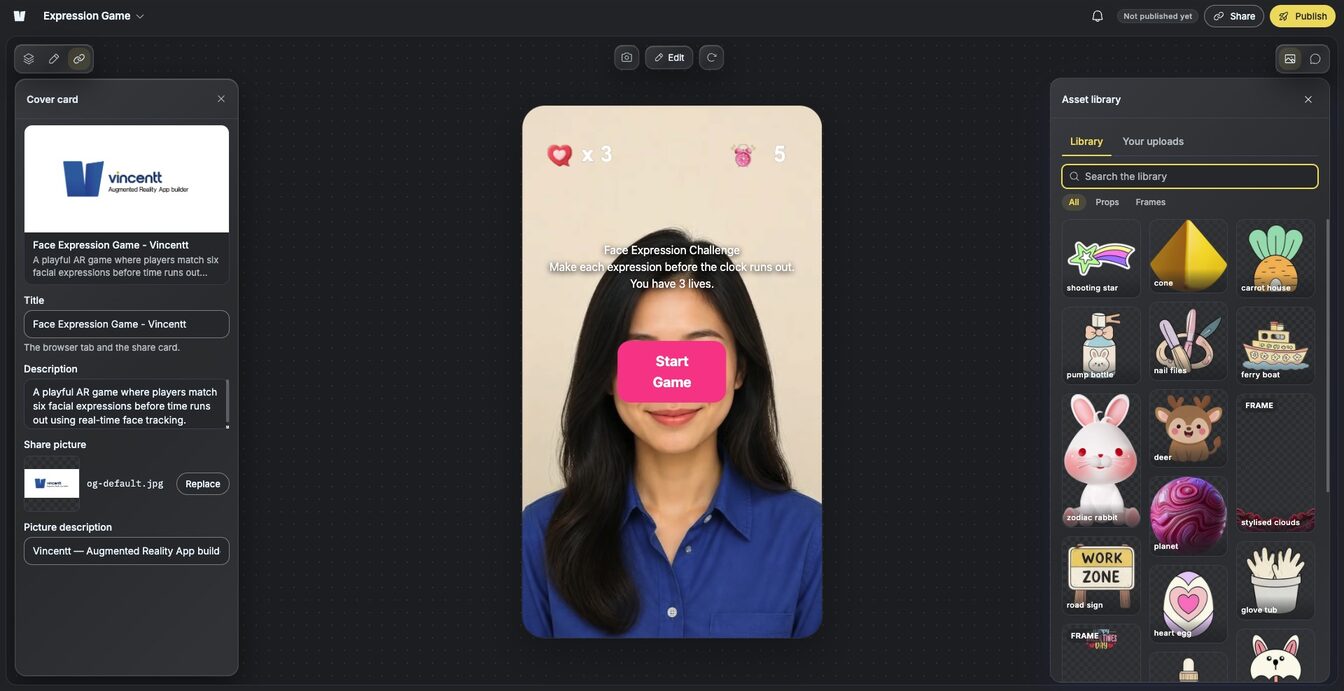
- Cover card. The title, description and share picture people see when the link is shared, with a live preview.
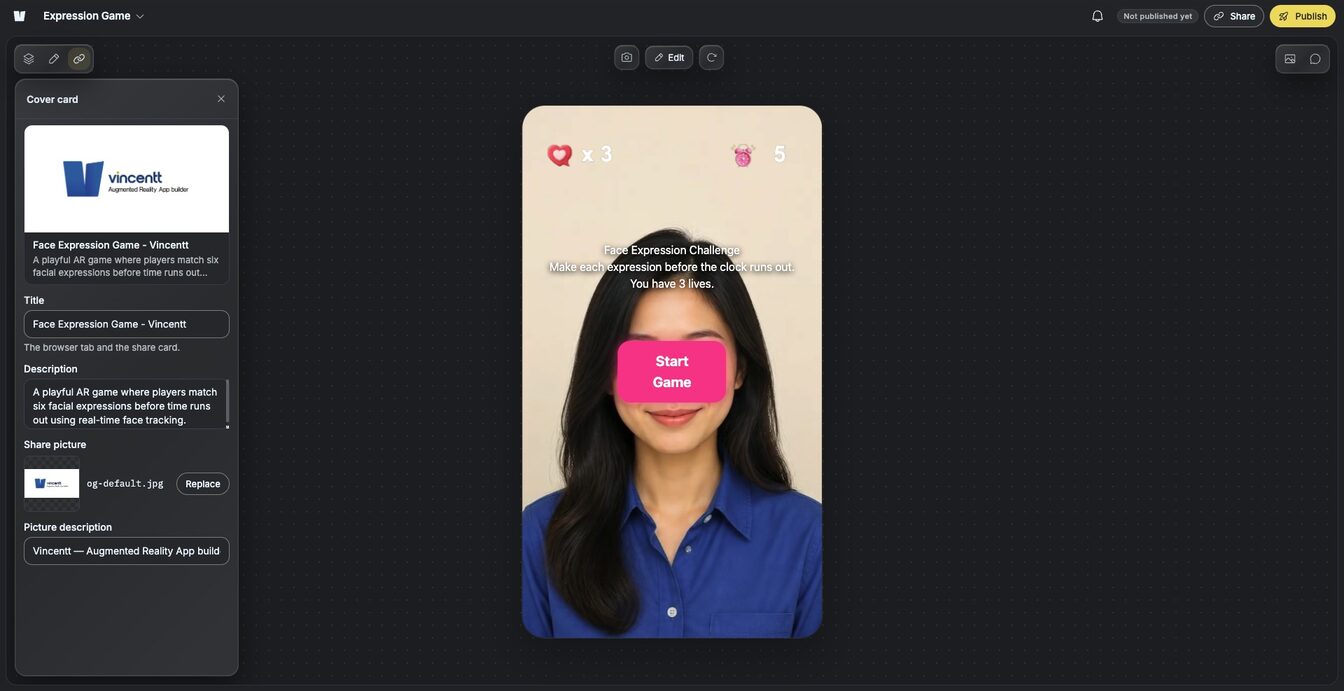
- Structure. Add from the component list, duplicate, delete, reorder and rename parts. Add, rename and jump between scenes.
Saving
- Changes wait as unsaved until you press Save. Save writes them as one version, noted like any other ("moved Robot and 2 more"). Discard changes drops them.
- Undo and redo work while you edit.
- An image picked from your computer is saved into the project the moment you pick it.
- Your AI sees every console edit as a normal version and builds on it. Nothing is lost between the two.
When something is not editable
The editor changes only parts it knows. Anything else is not listed; every editable part has an Ask AI about this button that copies a sentence for the chat. Logic, meaning what happens on a tap, scoring, timing and the flow between scenes, is always your AI's job.