Learn
Build by describing
You build by talking. Your AI writes the experience; Vincentt keeps every version and shows it on your phone.
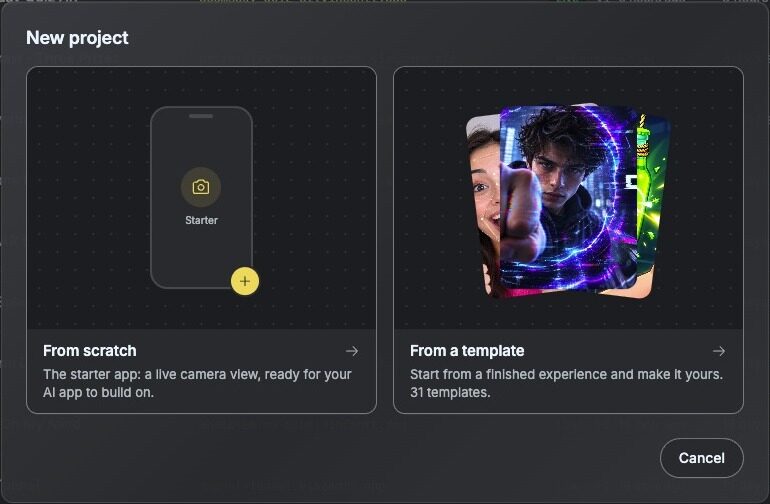
Start a project
-
Tell your AI what you want to make: "Let's make a camera experience where a crown sits on my head and sparkles when I smile."
-
It asks for a name and creates the project in your workspace. The name becomes the project's address, name.vincentt.app, reserved from the start. If a name is taken, you are told and offered alternatives, never given one quietly.
-
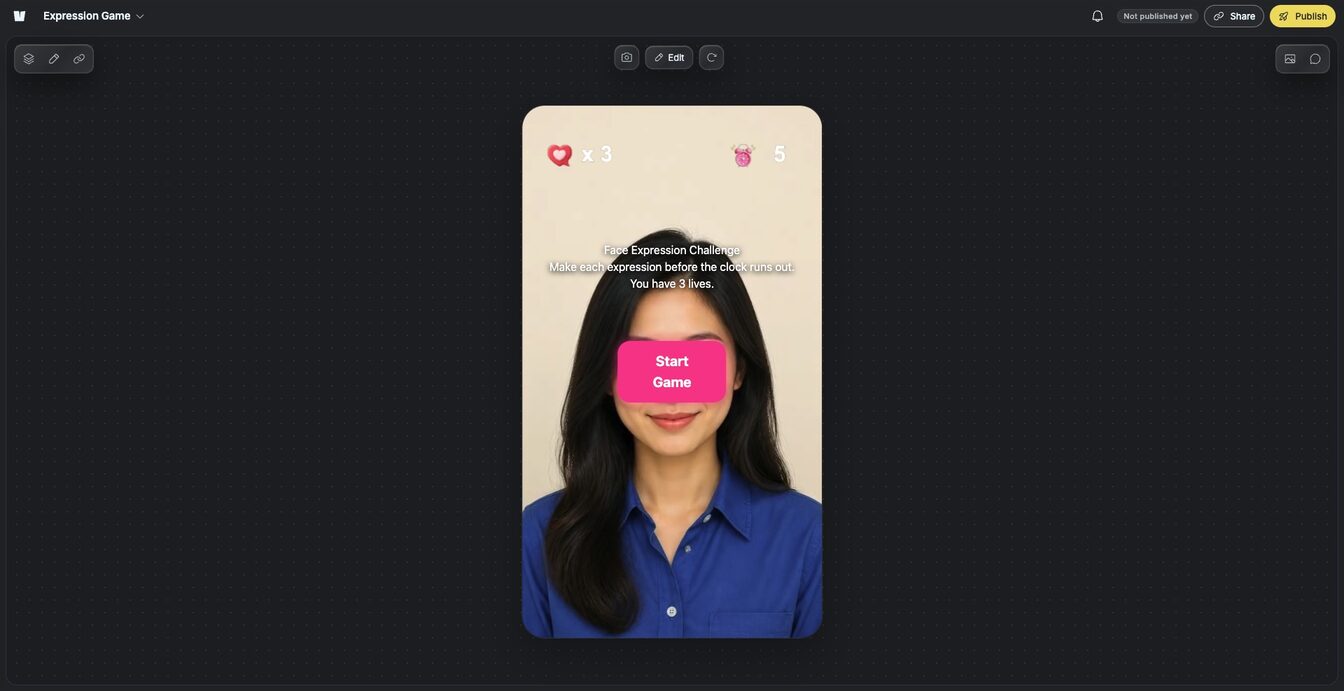
The first version is saved. From here on, every change your AI makes is a new version.
Describe, look, adjust
- Describe in plain words what should happen: what appears, where it sits, what triggers it, how it moves. "Put the crown a little higher", "make the sparkle slower", "add a sound when I open my mouth".
- Your AI knows what Vincentt can track: faces, hands, body, expressions, gestures. Ask for what you want and it chooses the right pieces.
- Each save is checked. A save that works shows up on your phone on its own. A save with a problem never reaches the phone; your AI sees what went wrong and fixes it.
- Add your own pictures, 3D models, sounds or videos through the upload card in the chat. They become part of the project at once.
Versions
- Every save is a version, from your AI, from the console editor and from anyone on your team alike. Nothing is overwritten.
- Ask your AI to go back: "restore the version before the sound". Restoring creates a new version, so history only grows.
- History is kept for 30 days on Free and indefinitely on paid plans. The current version and every published version are always kept.
Good to know
- Your project belongs to your workspace, not to the AI app. Switch apps, bring a teammate, or open it in the console; it is the same project.
- A project can hold up to 2 GB. A single save can carry up to 200 MB on Free and 500 MB on paid plans.
- Your AI can never delete a project or its source. Only you can, from the console.