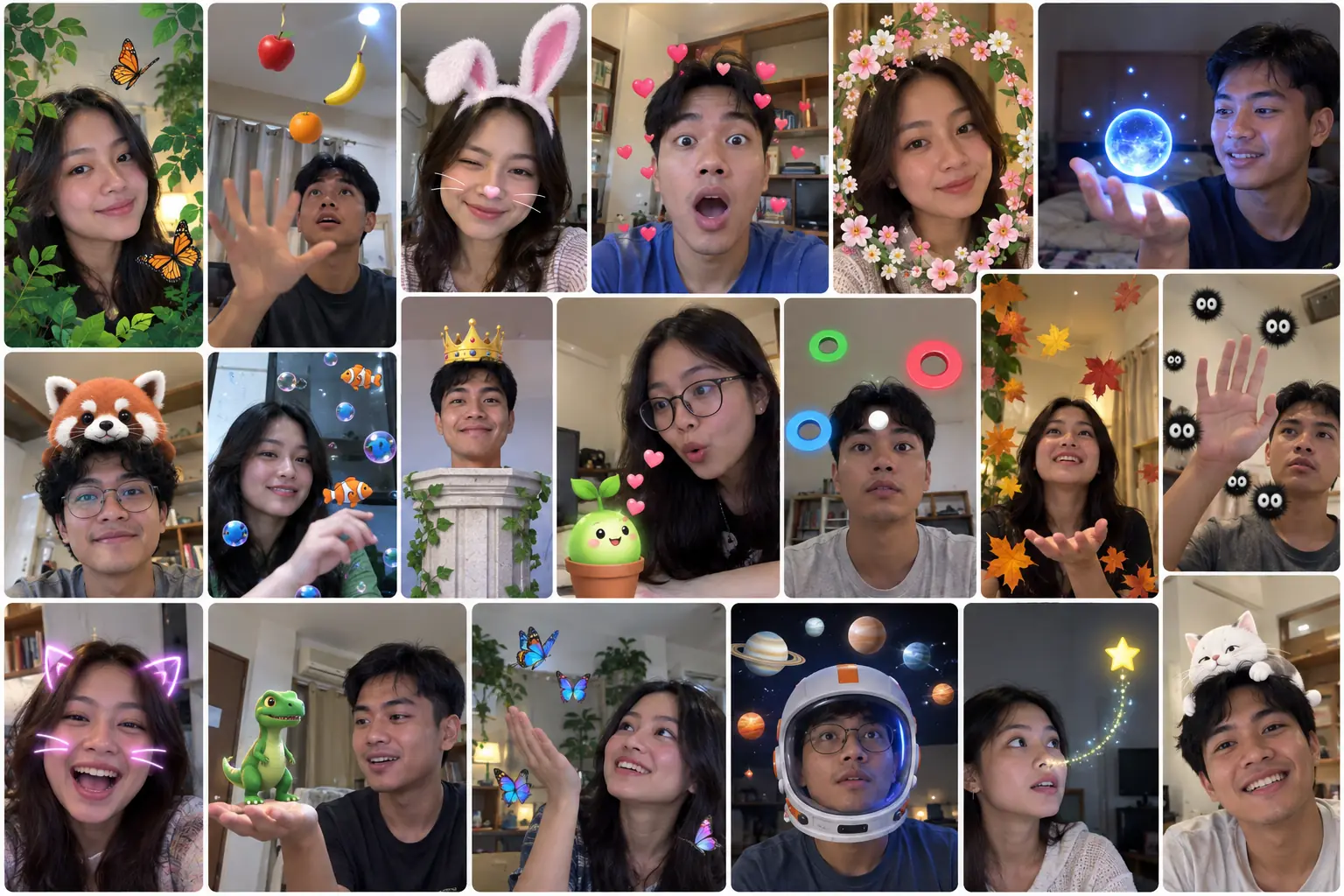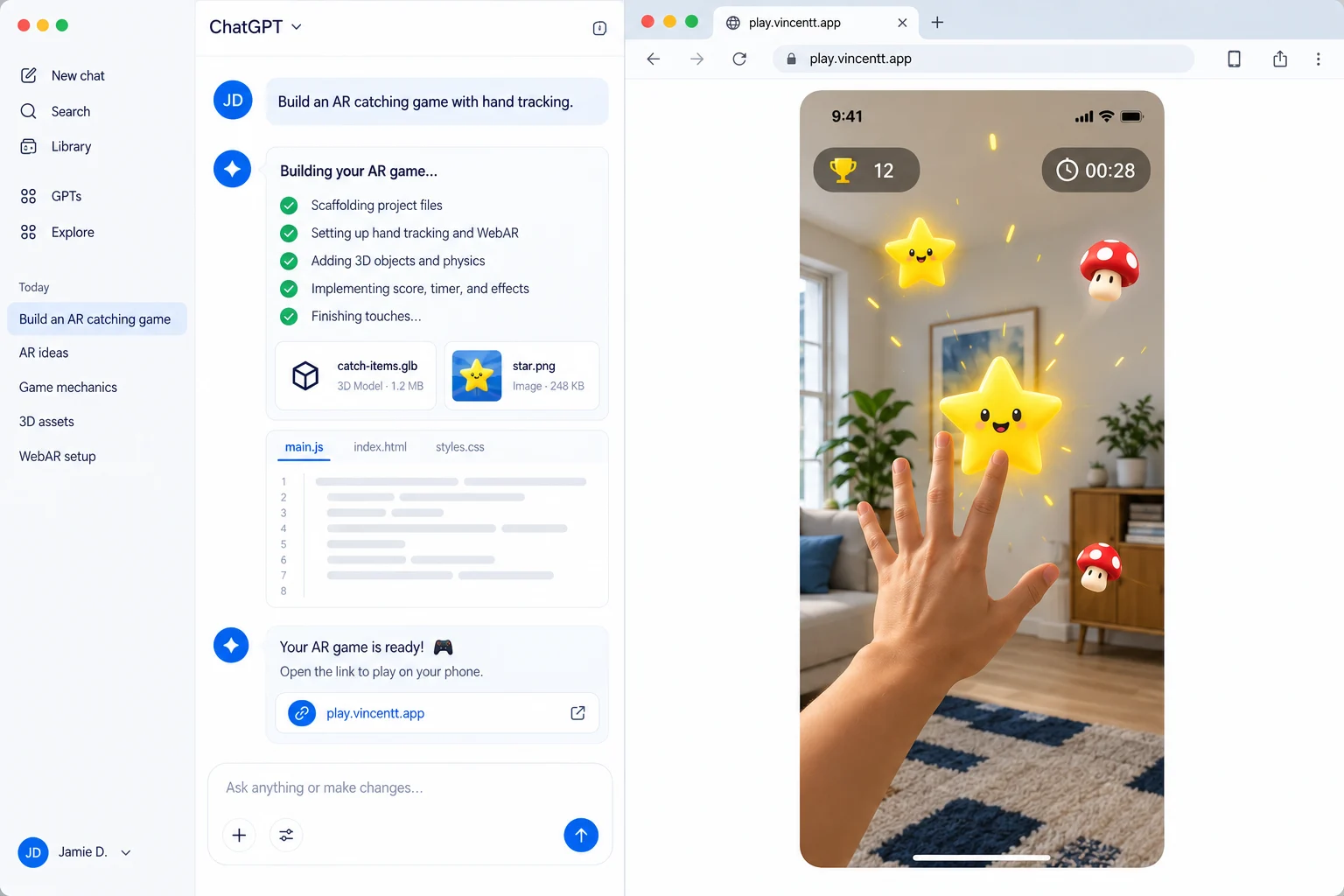
The idea is simple: make a window that feels alive.
Condensation slowly gathers across the glass. A hand can wipe it away. Warm breath clears a patch. A pinch draws frost back onto the surface.
Best on a phone. Open Snowy Window on your phone
A window that remembers
Most camera effects switch on and off. Snowy Window behaves more like a material.
Every touch leaves a trace. A wiped patch stays a little damp at the edges, the glass around it stays frosted, and over time the frost creeps back in from the sides. Wipe the same spot twice and it looks different from a spot you only touched once.
That memory is what makes people keep playing. It feels less like a filter and more like breathing on a real window.
Your hand is the brush
No buttons, no menus. The gesture is the tool:
- Open palm: a broad wipe that clears a whole patch.
- Fingertip: a fine line, perfect for writing a name or drawing a heart.
- Pinch: paints frost back onto the glass instead of clearing it.
It runs on the same hand tracking in the browser that powers WebAR on Vincentt, so there's nothing to install. Quick movements leave smooth, continuous strokes, so it feels like drawing on glass rather than tapping at a screen.
From gesture to frost
Here's what happens between your hand and the glass:
- 1Your handThe camera follows your palm, fingertips, and pinch.
- 2A gestureEach movement becomes a wipe, a fine line, or a frost stroke.
- 3The brushStrokes stay smooth and continuous, even when you move fast.
- 4The glass remembersEvery touch leaves a trace that dries and refreezes over time.
- 5What you seeFrost, condensation, and clear streaks, redrawn every moment.
Each step does one job. That's what makes it easy to remix: change the brush, and the glass still knows how to fog and refreeze.
Why it feels alive
Nothing snaps back instantly. Cleared glass dries slowly, frost regrows from the edges, and the window keeps changing for a while after your hand leaves, like real condensation.
That gentle afterlife is the difference between an effect people try once and an experience they show to a friend.
Make it yours
Start from the working template and change the look and feel. Paste this into your AI agent:
Start a new Vincentt project from the Snowy Window template (21myatt/snowy-window@1.0.0). Make the frost a warm amber, let it grow back twice as fast, and make a pinch draw sparkles instead of frost.
Prefer the terminal? Run vincentt init snowy-window --from 21myatt/snowy-window@1.0.0.
The same idea works far beyond winter: a fogged bathroom mirror for a skincare launch, a steamy café window for a coffee brand, a scratch-to-reveal product drop, or a paint wall at an event where every guest leaves a mark.
Try Snowy Window live →
Questions people ask
How does the Snowy Window effect work?
Your hand becomes a brush. A palm wipes the frosted glass, a fingertip draws, and a pinch paints frost back. The window remembers every touch and slowly fogs up again on its own.
Do people need an app to try it?
No. Snowy Window opens from a link in the phone's browser and uses the camera to follow your hand.
Can I remix Snowy Window?
Yes. Start from the template and ask your AI agent to change the frost color, how fast the glass fogs up, the brush size, or what each gesture does.